Android
Get Finsa on your phone. Android first.
The Android app is a direct download while the Play Store listing is in review. Same build, same signing key, straight from us.
Free, and no account needed to download it.
- Version
- 1.0.0 (build 3)
- Size
- 66 MB
- Requires
- Android 7.0 and above
- Package name
- com.qredit.app
- Updated
- 9 September 2026
What is inside
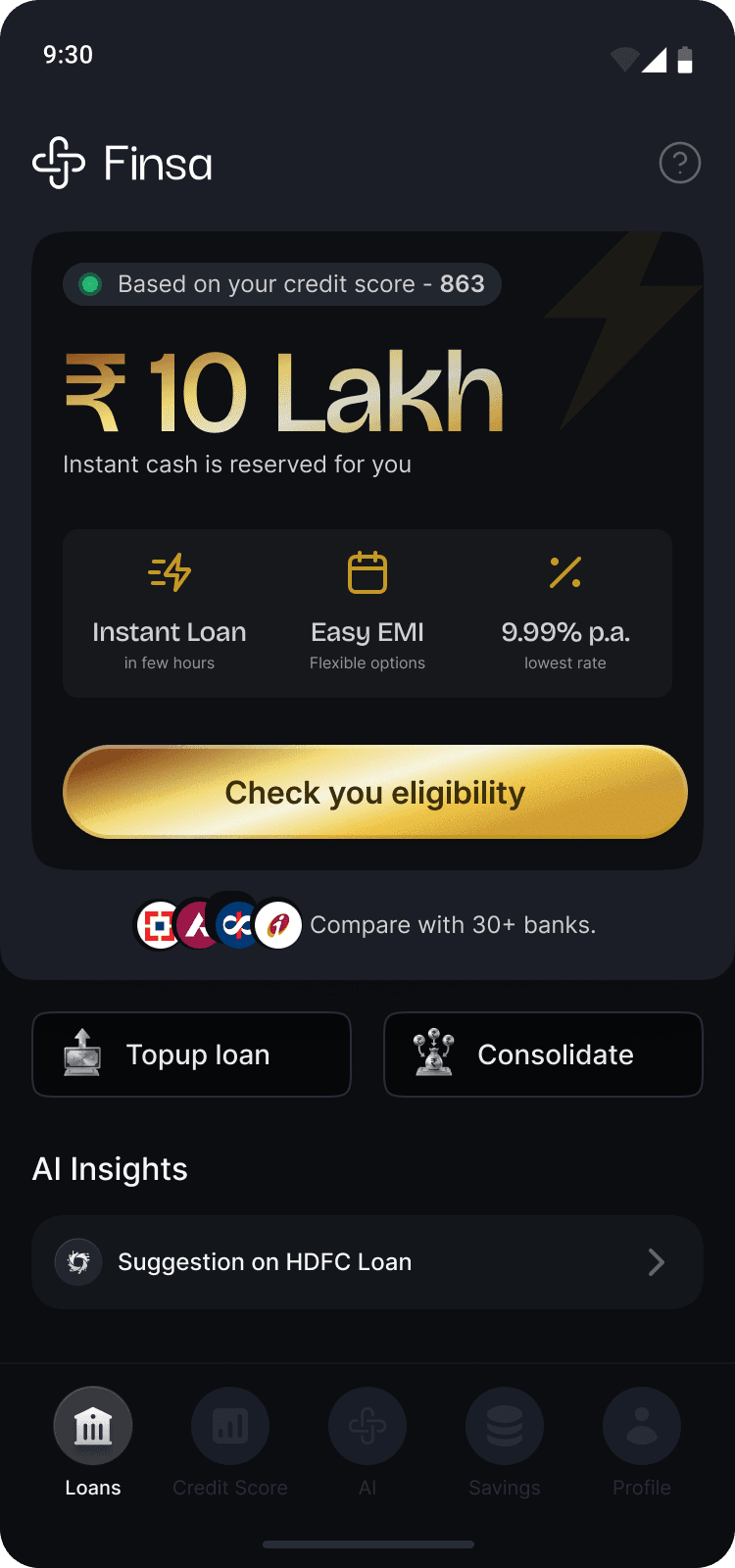
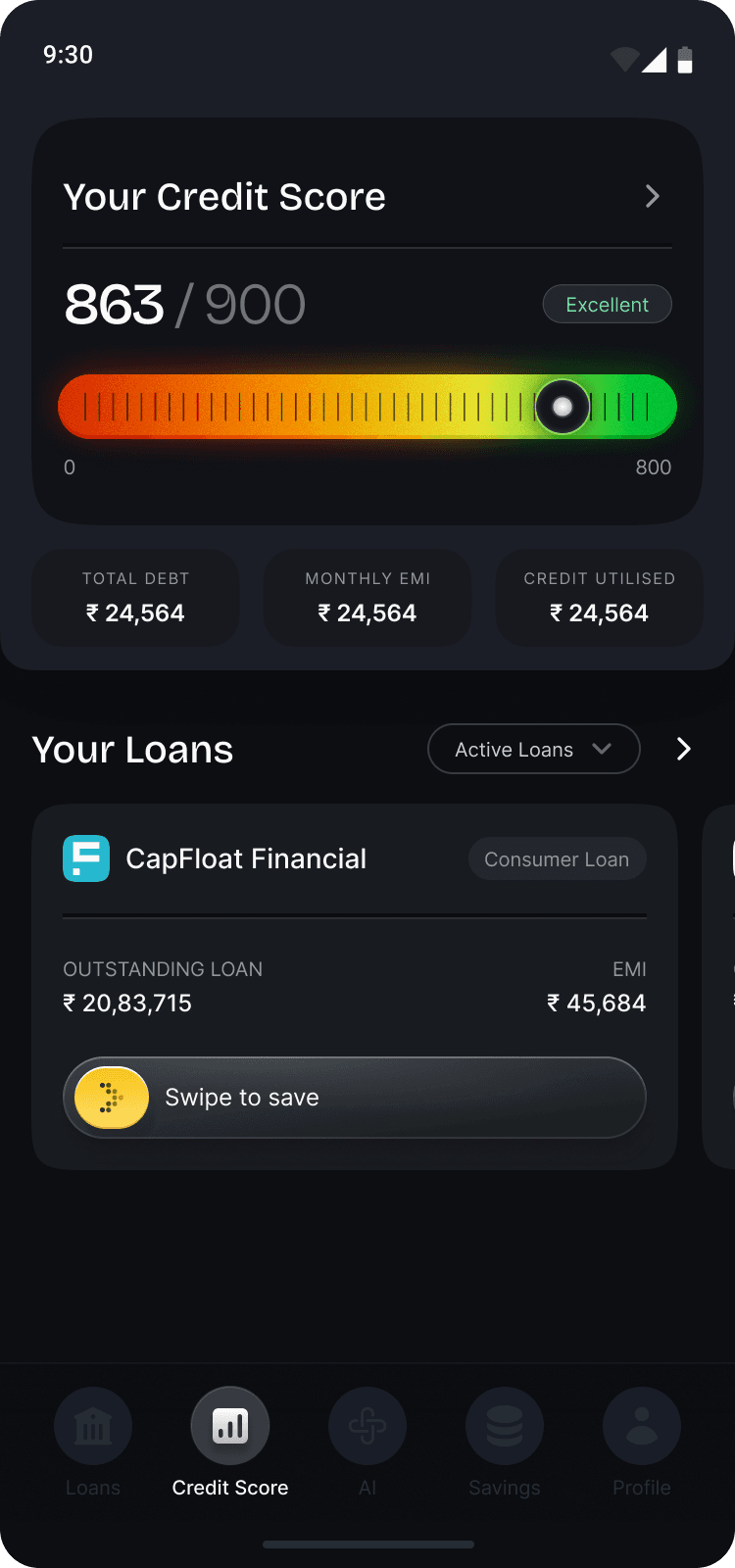
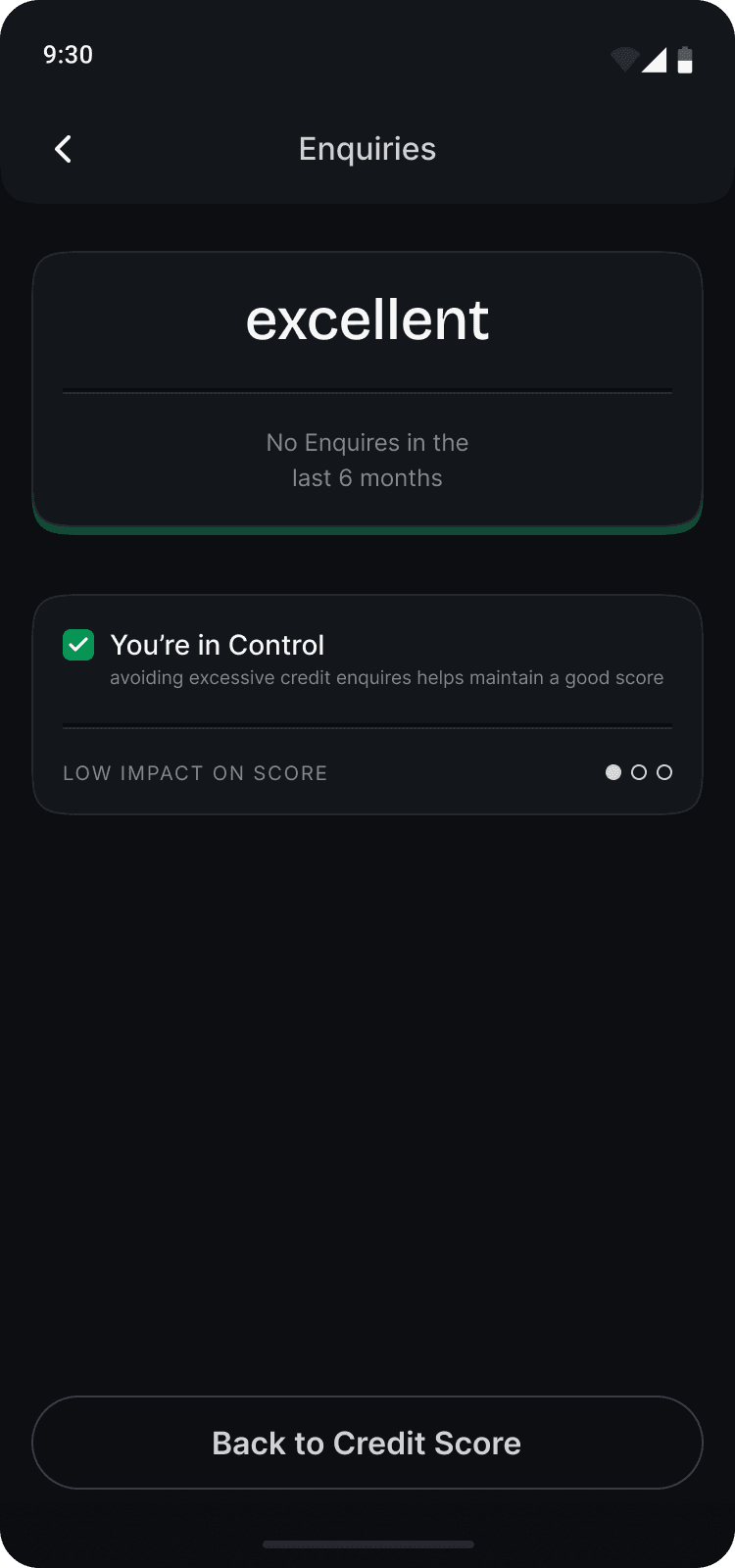
Your Equifax score out of 900 and the six factors moving it, what you may qualify for before you apply anywhere, and a 24K gold pot you can aim at a loan you already have. Finsa is not a lender — any loan is approved, priced and disbursed by an RBI-regulated bank or NBFC. Who we are, and what we are not.
What your phone will ask you
Android warns about any app installed from outside the Play Store. You will see up to three prompts. Here is what each one is, so none of them is a surprise.
- 01
Chrome asks first
You will see “This type of file can harm your device.” That prompt appears for every APK, safe or not — Android has no way to tell them apart before it lands. Choose Download anyway if you want to continue.
- 02
Your phone asks for permission
Tap the downloaded file. If this is the first app you have installed outside the Play Store, Android sends you to a settings screen to allow it for that one browser. That permission is per-app, and you can switch it back off afterwards.
- 03
Play Protect scans it
Google scans every app at install, Play Store or not, and shows a notice for apps it has not seen distributed at scale yet. Read what it says and continue only if you are comfortable. Finsa will appear as Finsa; the package name reads com.qredit.app, from before the rename.
Check that you got what we sent
This is the SHA-256 of the exact file this page serves. If you want to be certain the download was not altered on the way, hash yours and compare — on a Mac or Linux machine, shasum -a 256 Finsa-1.0.0.apk.
e84884942d501cee5bbbb0ad2155a1d3666d5f707cf1785fb92e5ffa170d3edc
On iPhone?
The iOS app is with Apple for review. Leave your number and we will message you the App Store link the day it clears — we will not use it for anything else.
Before you install
Why is the Finsa app not on the Google Play Store yet?
The Play listing is still in review. Google applies extra checks to apps in the personal-loans category, and until that clears, the Android app is distributed as a direct download from finsa.app. It is the same build, signed with the same key it will be published under.
Is it safe to install the Finsa APK?
The file is served over HTTPS from finsa.app, and its SHA-256 is published on this page so you can verify the download yourself. Android will still warn you, because it warns about every app installed outside the Play Store. Install it only if you are comfortable with that; the App Store and Play Store versions are coming and nothing is lost by waiting.
What does the app do once it is installed?
You verify your mobile number, give consent, and it fetches your Equifax credit report — your score out of 900 and the factors moving it. From there you can see what you may qualify for and start an application, and you can save in 24K digital gold against a loan you already have. Finsa is not a lender: any loan is approved, priced and disbursed by an RBI-regulated bank or NBFC.
Does the app cost anything?
No. The credit report, the score, the offers and the gold pot carry no Finsa fee. Under RBI's Digital Lending Directions a Lending Service Provider is paid by the lender and cannot charge the borrower.
Published by Finsamudra Private Limited. Trouble installing? Write to support@finsamudra.com and tell us your phone model and Android version.